AI Docketing eliminates the repetitive, error-prone steps that slow down IP operations — so your team can focus on strategic work instead of manual data entry. Whether you're a corporate IP department or a law firm, you get a single, intelligent workflow that scales with your portfolio.
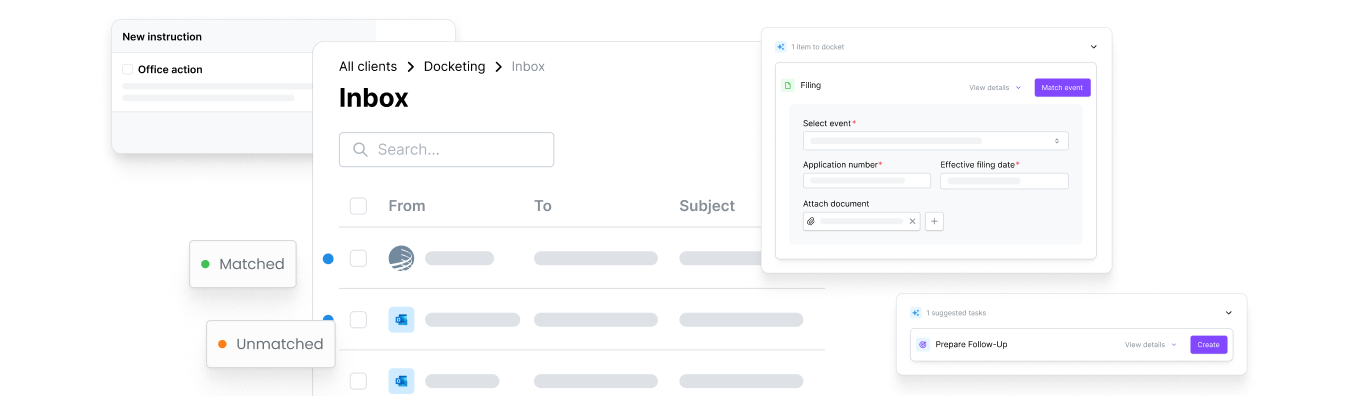

Stay in Control at Every Step
Configure how much oversight your team applies — from fully automated processing to two-step review — so you set the pace and the standard.

Eliminate Portfolio-Wide Blind Spots
Track every action, deadline, and decision with a full audit trail — giving your compliance and quality teams the visibility they need.

Scale Without Adding Headcount
Handle growing PTO volumes and multi-jurisdictional complexity without proportionally growing your docketing team.

Multi-Source Intake
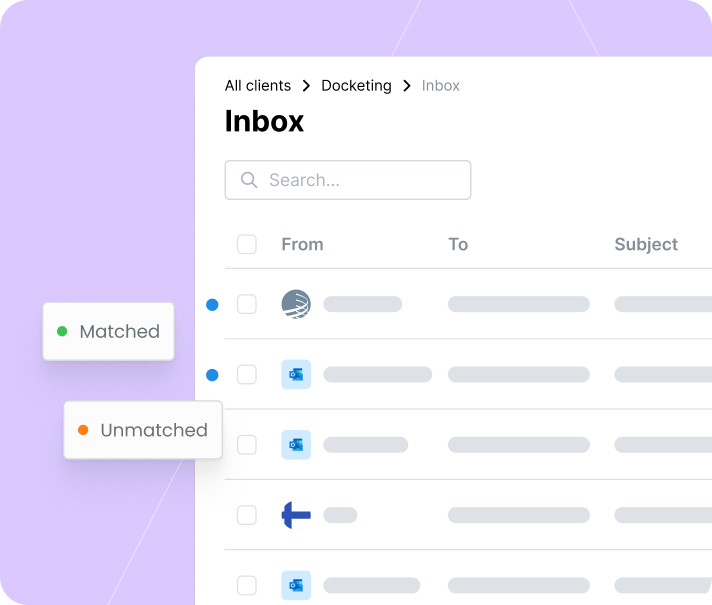
One inbox for PTO feeds, emails, and uploads
Bring documents from PTO integrations (USPTO, EPO, EUIPO), forwarded emails, and uploads into a single queue — including JPO and CIPO document processing.

Automated Document & Email Processing
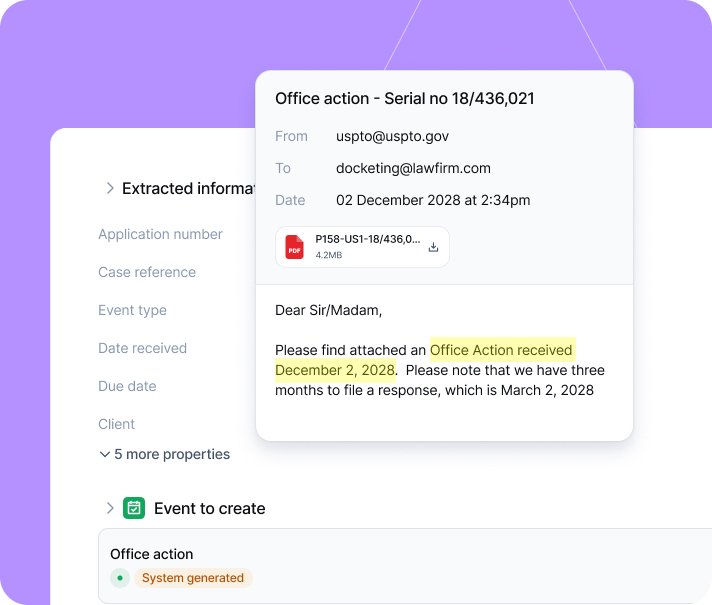
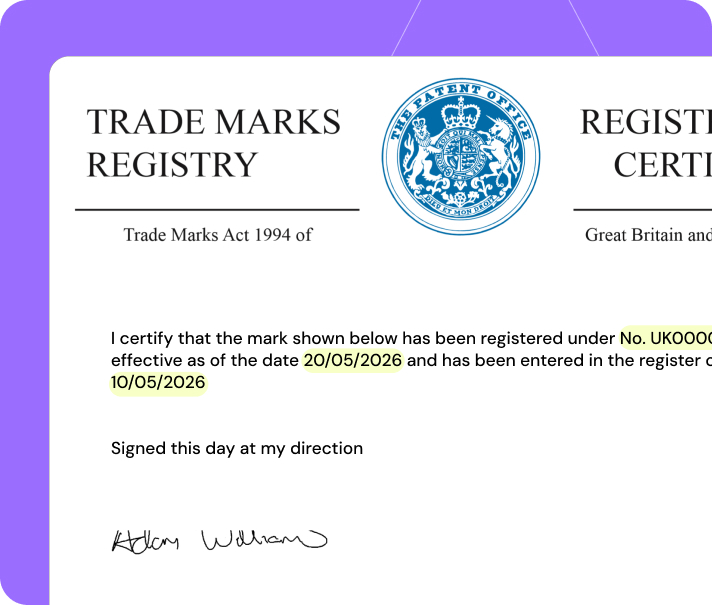
Classify, extract, and assign without manual entry
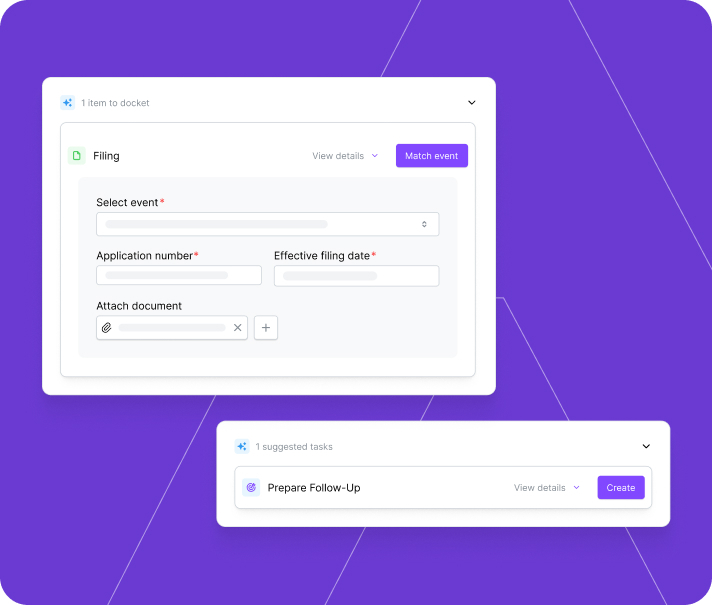
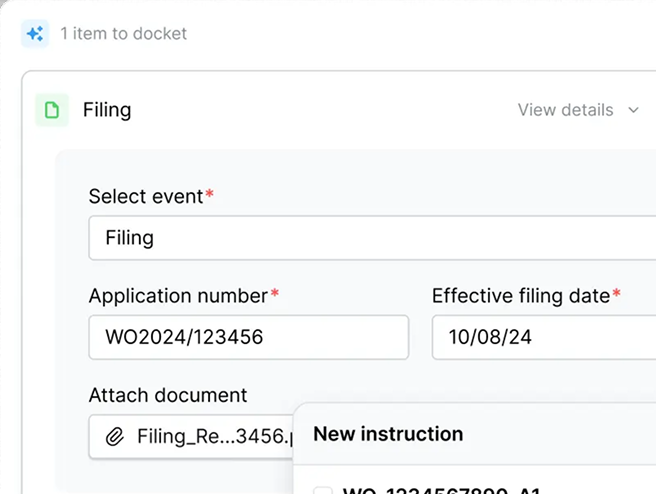
Process office actions and correspondence automatically — each item is classified, data and deadlines extracted, and updates proposed to the correct record.

Intelligent Case Matching
Every item linked to the right case automatically
Every item is matched to the correct IP case using references, application numbers, and jurisdictional data. Unmatched items surface for manual assignment.

Deadline & Event Automation
Auto-create deadlines, close tasks, trigger what's next
Capture deadlines from document content, create docket events, close manage completed tasks, and trigger downstream workflows — so nothing falls through the cracks.

Prior Art & IDS Propagation
Cross-cite and propagate across patent families
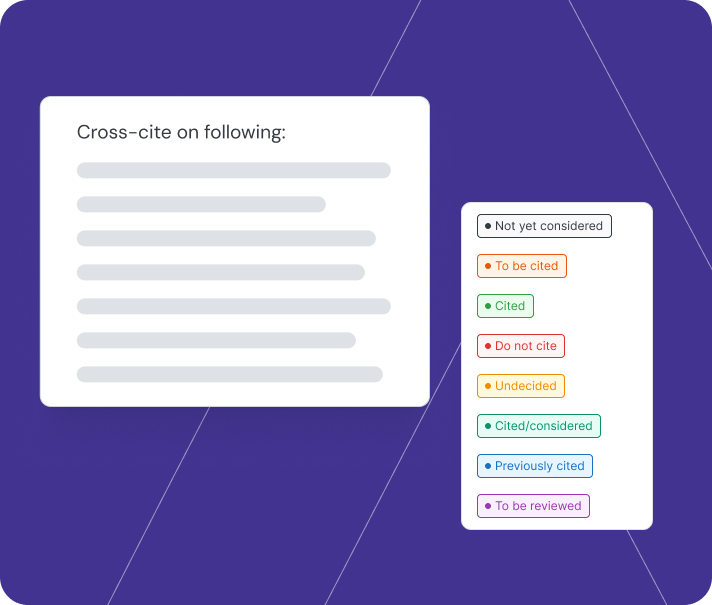
Retrieve prior art PDFs in bulk from USPTO 892 forms, propagate citations across patent families, and eliminate duplicate effort for faster IDS preparation.

Configurable Validation
Set your level of control — from auto to four-eyes review
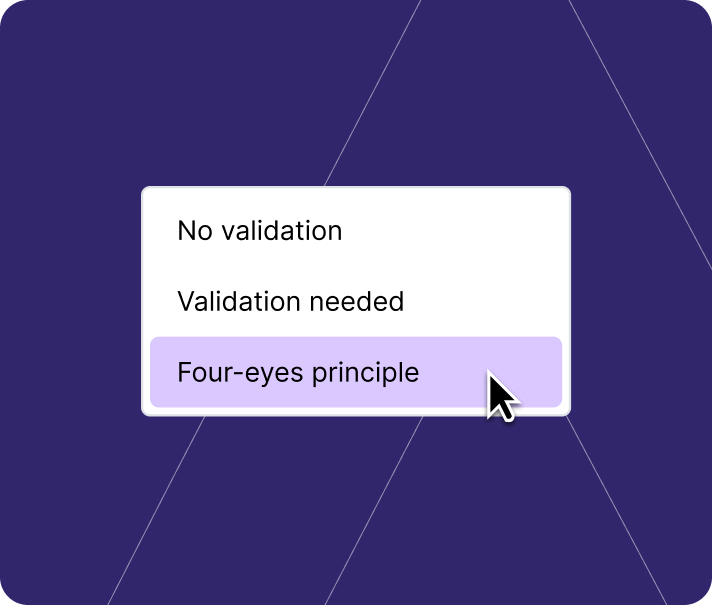
Review proposed updates side-by-side with source documents. Choose zero-step, one-step, or two-step validation — you decide how much oversight is right.

Full Auditability & Traceability
Actions logged for compliance and oversight
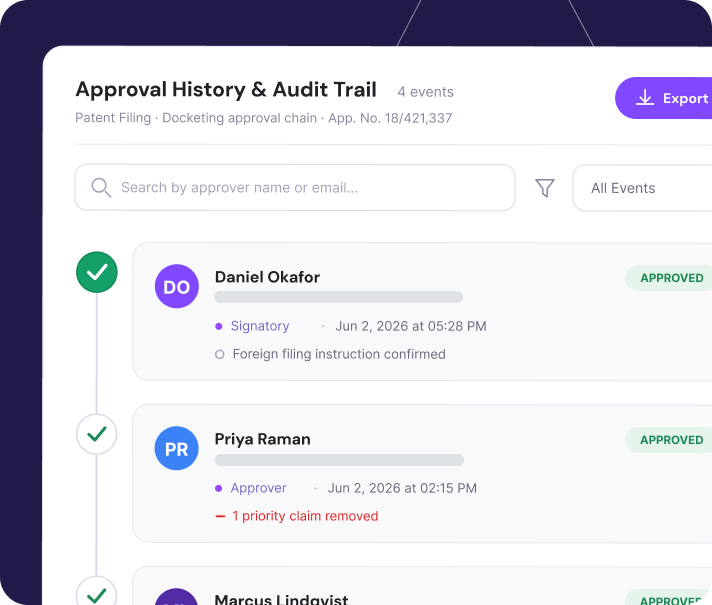
Track updates with a complete audit trail — giving your compliance and quality teams full visibility into what happened and when.
Multi-Source Intake
One inbox for PTO feeds, emails, and uploads
Bring documents from PTO integrations (USPTO, EPO, EUIPO), forwarded emails, and uploads into a single queue — including JPO and CIPO document processing.
Automated Document & Email Processing
Classify, extract, and assign without manual entry
Process office actions and correspondence automatically — each item is classified, data and deadlines extracted, and updates proposed to the correct record.
Intelligent Case Matching
Every item linked to the right case automatically
Every item is matched to the correct IP case using references, application numbers, and jurisdictional data. Unmatched items surface for manual assignment.
Deadline & Event Automation
Auto-create deadlines, close tasks, trigger what's next
Capture deadlines from document content, create docket events, close manage completed tasks, and trigger downstream workflows — so nothing falls through the cracks.
Prior Art & IDS Propagation
Cross-cite and propagate across patent families
Retrieve prior art PDFs in bulk from USPTO 892 forms, propagate citations across patent families, and eliminate duplicate effort for faster IDS preparation.
Configurable Validation
Set your level of control — from auto to four-eyes review
Review proposed updates side-by-side with source documents. Choose zero-step, one-step, or two-step validation — you decide how much oversight is right.
Full Auditability & Traceability
Actions logged for compliance and oversight
Track updates with a complete audit trail — giving your compliance and quality teams full visibility into what happened and when.

1,000+ PTO Document Types
Process documents from USPTO, EPO, EUIPO, JPO, and CIPO — covering 95% of USPTO forms and 99% of EPO forms out of the box.

8–12 Minutes → One Click
Replace manual case matching, data entry, and deadline calculation with a single validated confirmation.

2.33 Hours Saved per IDS
Reclaim hours on every IDS cycle through automated prior art propagation and cross-citation across patent families.

In our previous paper-based file workflow when a file came in from the PTO, it might take three days to process a document and get it to a professional to review. Now, we can get those documents processed and reviewed in half an hour or less.
Chris Farrell
Operations Process Analyst, Smart & Biggar
Operations Process Analyst, Smart & Biggar
AQX
Enterprise IP management for global portfolios—governance, configurable workflows, and advanced reporting for teams that need control at scale.
-
Governance, reporting, and integrations for global operations
-
Configurable workflows for complex processes and teams
-
Advanced analytics for strategic portfolio decisions
RightHub
AI-native IP workflows with a modern user experience—built to reduce manual work, speed execution, and improve collaboration across teams and partners.
-
AI-assisted workflows that reduce manual work
-
Intuitive UX that accelerates onboarding and adoption
-
Collaboration with counsel and partners in one record